Why is a screen missing?
Payroll not in the menu, a report you cannot find, a company not in the list, or a screen that says Admin role required.
On this page
Almost every screen is in the menu for everyone. When one seems to be missing, it is usually folded away, or it needs a right that an admin gives.
Look in the menu
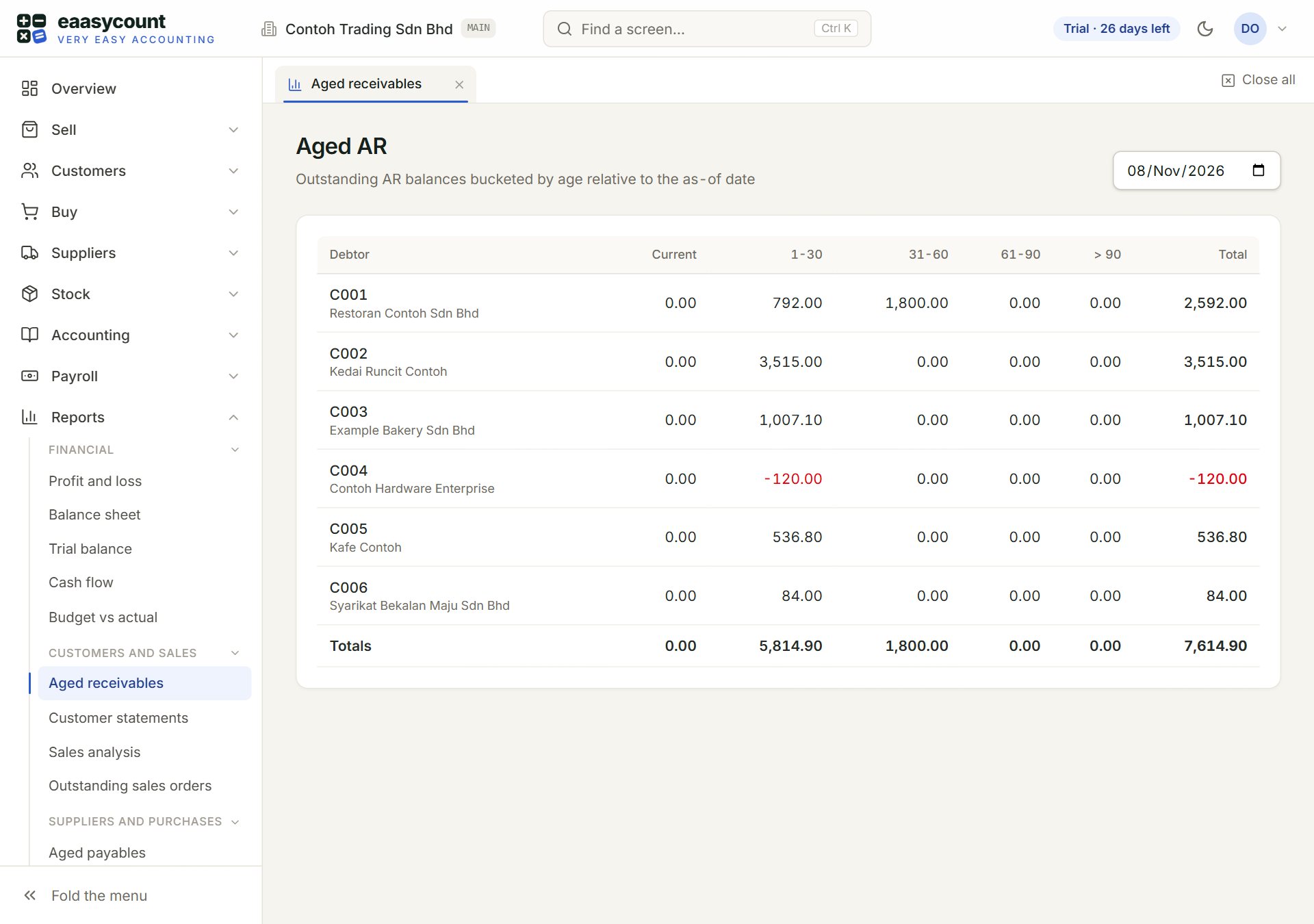
- Find a screen…: type part of a name, for example "aged" or "payroll". It finds every screen you may open. Ctrl K opens it too.
- Payroll: shows only for people an admin has given a payroll right.
- Financial: a small heading inside Reports. Click it to fold its reports away, and again to bring them back.
- Customers and sales: the next heading. Each one folds on its own.
- Fold the menu: shrinks the menu to icons. Click the arrows again to unfold it.
What is usually behind it
- Payroll is not in the menu: you have no payroll right. An admin chooses one for you under Payroll access in Users. It shows after you reload the page or sign in again.
- A report is not under Reports: its small heading is folded. Click the heading.
- The menu shows only icons: it is folded. Click the arrows at the bottom of the menu. On a phone, tap the menu button at the top left.
- A company is not in the company list: an admin ticks it for you in Access rights.
If Find a screen… does not find it either, you do not have that screen. Ask your admin.
Screens for an admin
Some settings, such as Access rights and Audit log, open for everyone but show their contents only to an admin. Others open but refuse to save. The roles are set in Users: an admin can do everything, an accountant can post and edit, and a viewer can only look.
If something goes wrong
- Admin role required.: only an admin can use this screen. Ask your admin.
- You don't have access to this company.: an admin has taken this company away from you in Access rights. Pick another company in the top bar.