Create your account
Start a 30-day free trial for your business with your name, your email and a password.
On this page
You sign up once, for your business. eaasycount sets up your books with a chart of accounts and tax codes, and you become their admin.
The sign-up page
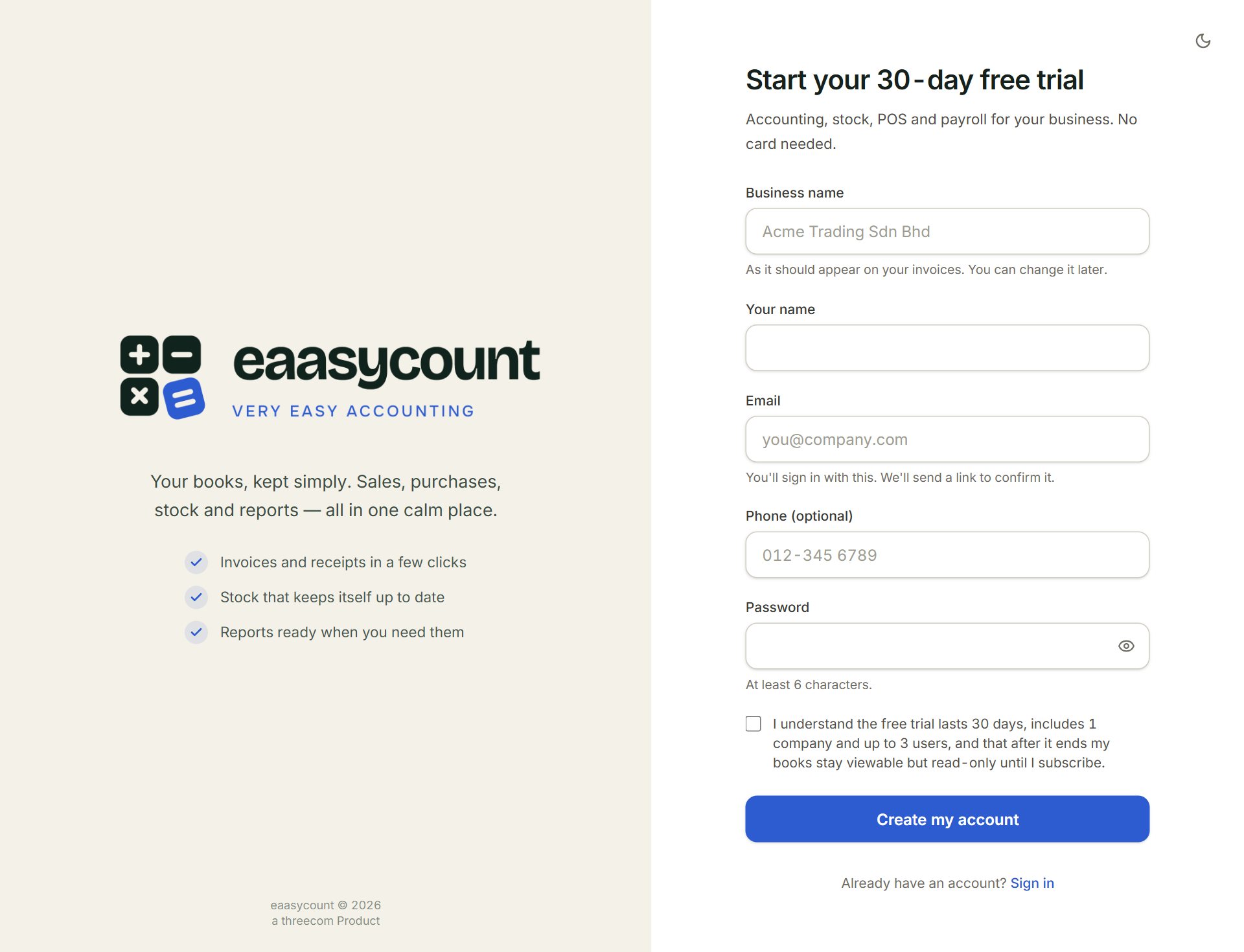
- Business name: as it should appear on your invoices. You can change it later.
- Email: you sign in with it. The link to finish signing up is sent here.
- Password: at least 6 characters. The eye button shows what you typed.
- The box: tick it to agree to the terms of the free trial.
- Create my account: sends the email with the link.
- Sign in: for when you already have an account.
Sign up
- Go to app.eaasycount.com/signup, or click Start free trial on eaasycount.com.
- Key your Business name, Your name, Email and a Password. Phone (optional) can stay blank.
- Tick the box and click Create my account.
- Open the email "Confirm your email to start your eaasycount trial" and click Confirm and start my trial. The link works for 24 hours.
- When the page says Your account is ready, click Sign in.
The trial includes every part of eaasycount, for one company and up to three users. No card is needed. When it ends, you move to the Free plan unless you subscribe: see Plans and the Free plan.
If something goes wrong
- Sign-up is not open yet. Please contact Threecom to get started.: sign-up is closed for now. Contact Threecom and they will open your account.
- No email after a few minutes: look in your spam folder and check the address you typed. Or click sign up again.
- This link has expired (links last 24 hours). Sign up again to get a new one.: sign up again and use the new link.