Set up a new company
The first things to set up in a new company, in the order that saves you work.
On this page
A new account is ready to use on day one. It already has a chart of accounts, SST tax codes, a BANK and a CASH account, a MAIN stock location and this year's fiscal periods. Spend half an hour on the list below before your first invoice.
Where the settings are
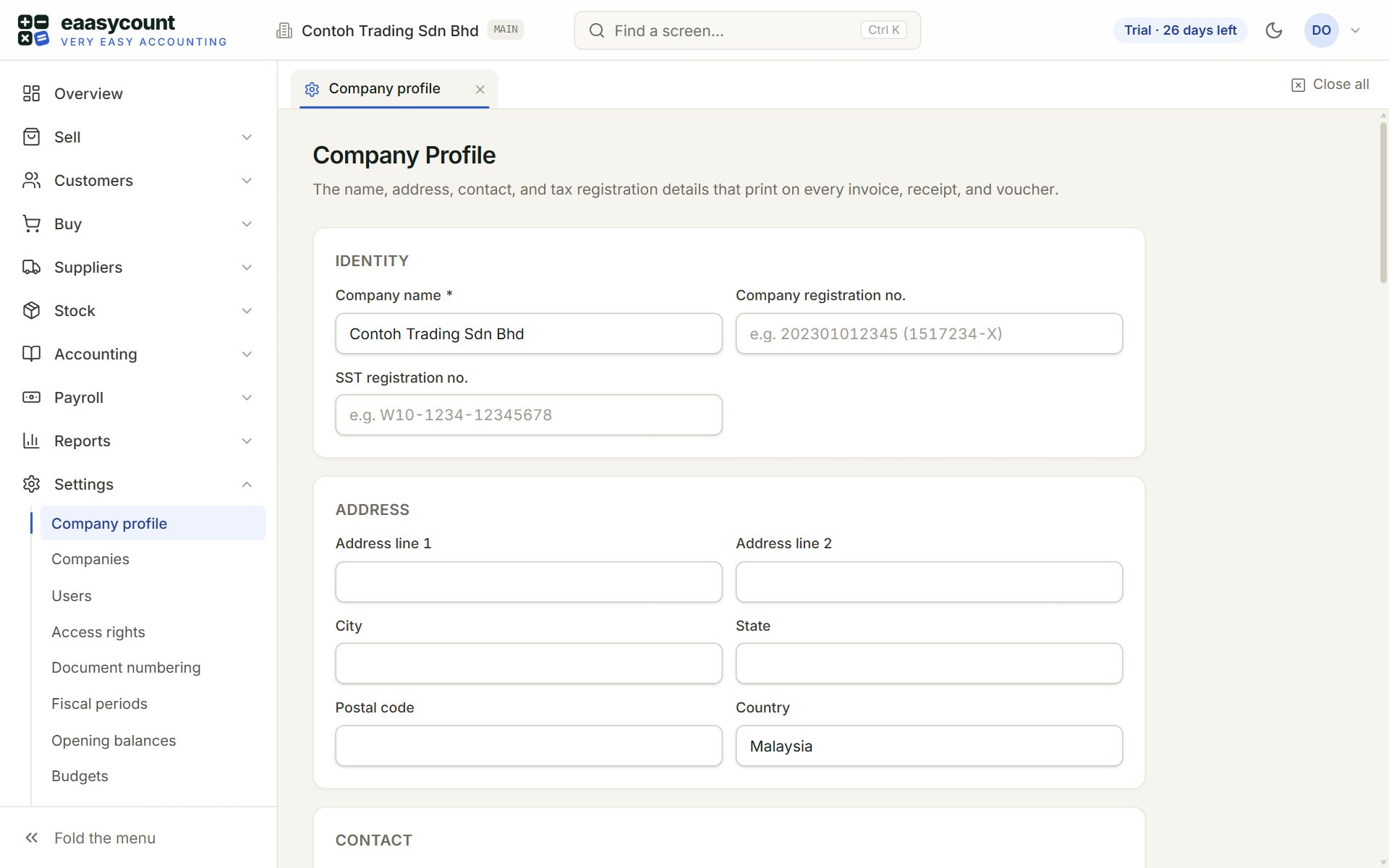
- Company profile: your company's name, registration and SST numbers, address and contacts.
- Users: the people who work in your books.
- Document numbering: how your invoice and receipt numbers look.
- Fiscal periods: your financial year and its months.
- Opening balances: what your old books showed, if you start part-way.
- Identity: the first part of the Company Profile. These details print on every invoice, receipt and voucher.
Your first half hour
- Company profile: key your name, Company registration no., SST registration no. and address, and choose the Default tax code. Click Save.
- Fiscal periods: check that the year runs the way yours does.
- Users: click + Invite User for each person. Key their email, name, a first password and their Role.
- Bank accounts and Tax codes: give BANK your bank's details, add any other banks, and check the SST codes.
- Customers, Suppliers and Items: key them, or bring them in with Import from CSV.
- Opening balances: only if you already traded before your first day in eaasycount.
Document numbering can wait: the numbers work as they are. Change the format before your first invoice if you want a different look.
If something goes wrong
- Your free trial includes 3 users. To add more, contact Threecom at …: the trial has room for three people. Contact Threecom to add more.
- Your free trial includes 1 company. To add more, contact Threecom at …: the trial keeps one set of books. Contact Threecom for more.
- A save is refused with 403: only an admin can change settings such as the company profile and fiscal periods. Ask an admin to do it.